
Summary
- Cloud computing defined: It is the delivery of computing services (servers, storage, databases, networking, software) over the internet (“the cloud”) to offer faster innovation, flexible resources, and economies of scale.
- How it works: Users access resources via the internet from a provider’s data center, rather than owning and maintaining physical data centers and servers themselves.
- Service models: The three main stacks are IaaS (Infrastructure as a Service), PaaS (Platform as a Service), and SaaS (Software as a Service).
- Deployment types: Clouds can be Public (shared), Private (dedicated), or Hybrid (a mix of both).
- Key benefits: Major advantages include cost savings (pay-as-you-go), global scalability, improved security, and speed.
- Market growth: Global public cloud spending is forecast to reach $723.4 billion in 2025, driven largely by AI and digital transformation.
Introduction
Here is a number that might make your wallet sweat: $723.4 billion. According to a forecast by Gartner (2024), that is the projected worldwide end-user spending on public cloud services for 2025 a massive 21.5% jump from the previous year. If that doesn’t grab you, consider this: nearly 98% of organizations now use the cloud in some form.
Whatever industry you work in, the “cloud” isn’t coming; it’s already the foundation of the building. But despite the buzzwords flying around boardrooms, a lot of people still secretly wonder: Is it just a server in someone else’s basement? (Spoiler: Yes, but a very fancy one).
This guide cuts through the jargon to break down cloud computing. We will look at what it actually is, the machinery behind it, and why businesses are scrambling to move their digital lives off-premise.
What Is Cloud Computing? (The Basics)
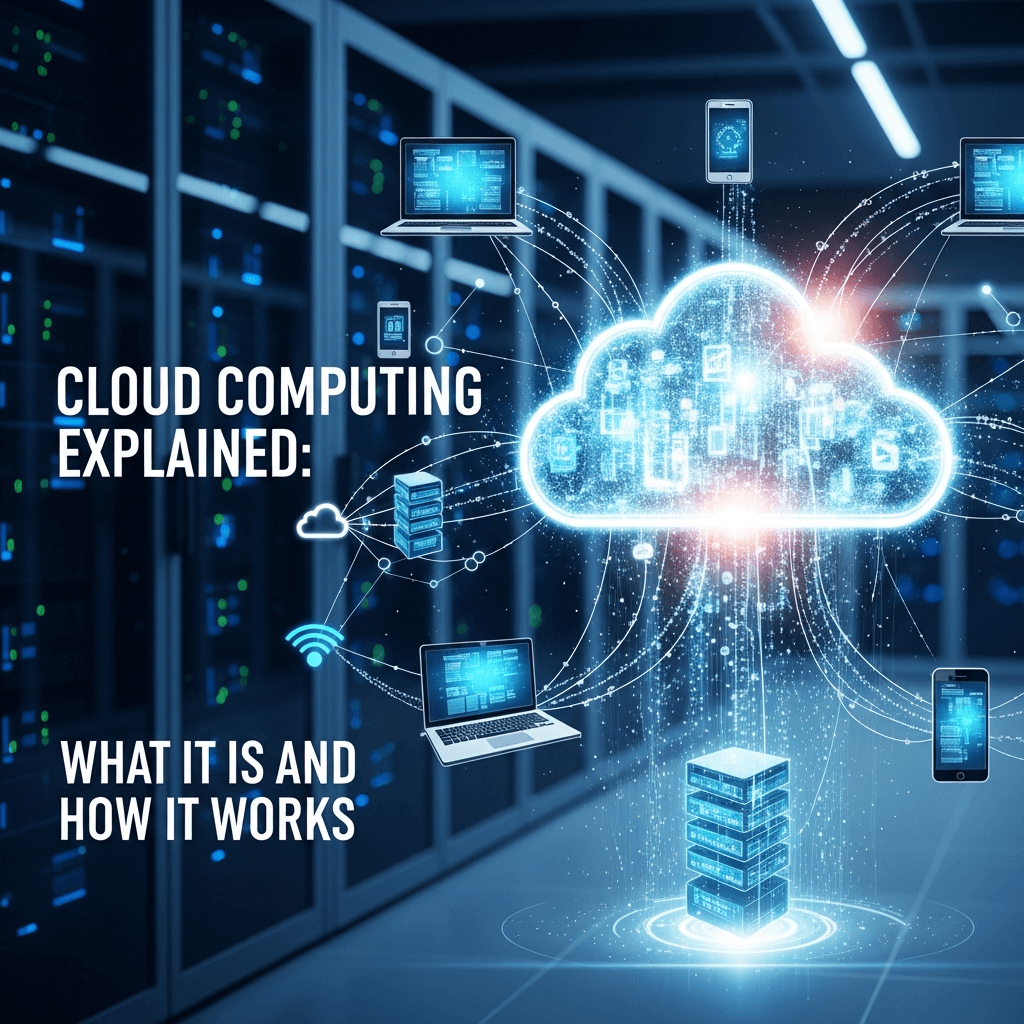
At its core, cloud computing is the delivery of computing services including servers, storage, databases, networking, software, analytics, and intelligence over the Internet (“the cloud”).
Think of it like electricity. A century ago, factories had to build their own power plants to run their machines. It was expensive, loud, and required a team of engineers to maintain. Then, the electric grid came along. Factories stopped building power plants and simply plugged into the grid, paying only for the electricity they used.
Cloud computing does the same thing for IT. Instead of buying physical data centers and servers, you rent computing power and storage from a cloud provider like Amazon Web Services (AWS), Microsoft Azure, or Google Cloud. You pay only for what you use, when you use it.
How Does Cloud Computing Work?
It’s easy to think the cloud is invisible, but it’s actually quite heavy. It relies on massive physical data centers rows and rows of servers humming away in air-conditioned rooms around the world.
Frontend vs. Backend
The system is split into two sections:
- The Frontend: This is the side you see your computer, tablet, or smartphone. When you open Google Docs or Netflix, you are using the frontend interface to call for data.
- The Backend: This is the “cloud” section. It consists of servers, data storage systems, and computers that make up the “cloud.”
Virtualization: The Magic Trick
How does one server act like five? The secret sauce is virtualization. This technology allows a single physical server to run multiple “virtual machines” (VMs). Each VM acts like a distinct computer with its own operating system.
This allows cloud providers to maximize the use of their hardware. If you need a server for an hour to run a complex calculation, the provider spins up a VM for you. When you’re done, they delete it and give that capacity to someone else.
The Core Service Models (The “As-a-Service” Stack)
Cloud computing isn’t a one-size-fits-all product. It comes in three main “flavors,” often called the stack.
Infrastructure as a Service (IaaS)
“Renting the land and the foundation.” This is the most basic category. You rent IT infrastructure—servers and virtual machines (VMs), storage, networks, and operating systems—from a cloud provider on a pay-as-you-go basis. You have the most control here, but also the most work to do (like managing updates).
- Examples: AWS EC2, Microsoft Azure Virtual Machines, Google Compute Engine.
Platform as a Service (PaaS)
“Renting the tools and the workshop.” PaaS refers to cloud computing services that supply an on-demand environment for developing, testing, delivering, and managing software applications. It is designed to make it easier for developers to quickly create web or mobile apps, without worrying about setting up or managing the underlying infrastructure of servers, storage, network, and databases.
- Examples: Heroku, Google App Engine, Red Hat OpenShift.
Software as a Service (SaaS)
“Renting the finished house.” This is the method for delivering software applications over the Internet, on demand and typically on a subscription basis. With SaaS, cloud providers host and manage the software application and underlying infrastructure and handle any maintenance, like software upgrades and security patching.
- Examples: Gmail, Salesforce, Dropbox, Zoom.
Note: Most non-technical employees only ever interact with SaaS. If you can log in through a web browser, it’s likely SaaS.
Deployment Models: Where Does the Cloud Live?
Not all clouds are public. Depending on security needs, a company might choose different neighborhoods.
Public Cloud
The cloud resources (like servers and storage) are owned and operated by a third-party cloud service provider and delivered over the Internet. Hardware and storage are shared with other organizations (tenants). It’s like living in an apartment building—you have your own private space, but you share the plumbing and security with neighbors.
Private Cloud
A private cloud consists of cloud computing resources used exclusively by a single business or organization. It can be physically located on the company’s on-site data center, or hosted by a third-party service provider. This is like owning a single-family home with a tall fence. It’s more secure, but you are responsible for the maintenance (or paying someone a premium to do it).
Hybrid and Multi-Cloud
This is the most common approach for modern enterprises.
- Hybrid: Combines public and private clouds, allowing data and applications to be shared between them. This gives businesses greater flexibility.
- Multi-Cloud: Using two or more public clouds (e.g., using AWS for storage and Google Cloud for AI).
- Stat check: Gartner predicts that 90% of organizations will adopt a hybrid cloud approach by 2027.
Why Everyone Is Migrating (The Benefits)
Why go through the hassle of moving data? It usually comes down to three things: money, speed, and scale.
- Cost Efficiency: You eliminate the capital expense of buying hardware and software and setting up and running on-site datacenters (the racks of servers, the round-the-clock electricity for power and cooling, the IT experts for managing the infrastructure).
- Global Scale: You can scale elastically. In cloud speak, that means delivering the right amount of IT resources—for example, more or less computing power, storage, bandwidth—right when they’re needed, and from the right geographic location.
- Performance: The biggest cloud computing services run on a worldwide network of secure data centers, which are regularly upgraded to the latest generation of fast and efficient computing hardware. This offers reduced network latency for applications.
- Reliability: Cloud computing makes data backup, disaster recovery, and business continuity easier and less expensive because data can be mirrored at multiple redundant sites on the cloud provider’s network.
It’s Not All Sunshine: Risks and Challenges
If cloud computing explained sounds too good to be true, that’s because there are caveats. It isn’t magic, and things can break.
- Downtime: Since cloud computing is internet-based, service outages are always an unfortunate possibility and can occur for any reason. If your internet goes down, you might lose access to your applications.
- Security and Privacy: While cloud providers implement the best security standards, storing data and important files on external service providers always opens up risks. You are handing your keys to someone else.
- Vendor Lock-in: Moving workloads from one cloud platform to another is difficult. Compatibility issues and other technical challenges can make it hard to switch providers once you are “deep” in their ecosystem.
The Future of Cloud
We are moving past the “should we use the cloud?” phase into the “how do we use it better?” phase.
- AI Integration: The boom in Generative AI is driving cloud spending. Training AI models requires massive computing power that only the cloud can provide cost-effectively.
- Serverless Computing: This overlaps with PaaS but focuses on building app functionality without spending time continually managing the servers and infrastructure required to do so. The cloud provider handles the setup, capacity planning, and server management for you.
- Edge Computing: Instead of processing data in a faraway data center, “Edge” moves the processing closer to where data is generated (like an IoT sensor in a factory). This reduces lag time.
Conclusion
Cloud computing has shifted from a disruptive technology to a necessary utility. It powers the apps on your phone, the streaming service on your TV, and the analytics that drive the world’s largest companies. Whether you are a student learning the ropes or a CEO looking at the bottom line, understanding the cloud is no longer optional.